
Firmware / Hardware Security / Coprocessors
The Intel
Management Engine
OS: MINIX 3 (since Skylake, 2015) · CPU: Intel Quark x86
Runs when the machine is off · No official disable mechanism
There is a computer inside your computer. It runs its own operating system, has its own network stack, and keeps running after you press the power button. Intel calls it the Management Engine. You did not consent to it, you cannot turn it off, and for many years you did not know it was there.
The Intel Management Engine — IME, or CSME in Intel's more recent branding (Converged Security and Management Engine) — is a dedicated microcontroller embedded directly into Intel's Platform Controller Hub chipset, present on every Intel-based motherboard manufactured since 2008. It is not part of the main CPU. It is a separate processor, with its own firmware, its own operating system, and its own memory, running in parallel with whatever the user's machine is doing — or not doing.
The IME's stated purpose is enterprise remote management. Through its most visible component — Intel AMT, Active Management Technology — IT departments can remotely access, diagnose, and reinstall machines on their network regardless of whether the operating system is functional, regardless of whether the machine is awake, and regardless of whether the user is present. A system administrator can connect to a powered-off machine, mount a virtual CD-ROM, and reimage its drive from across the building. This is genuinely useful in large corporate environments. It is also, from another angle, a permanent, always-on remote access endpoint running at a privilege level no software on the machine can inspect or interrupt.
Ring −3: below everythingModern x86 processors use a protection ring model to separate code by privilege level. Applications run in Ring 3, the least privileged layer. The OS kernel occupies Ring 0. Below that sit hypervisors at Ring −1 and System Management Mode firmware at Ring −2. Security researchers designating the IME's privilege level coined Ring −3 — not an official Intel term, but an accurate one. The IME operates below every layer of software on the machine, including the firmware the user can see and interact with.
What Ring −3 access means in practice: the IME has documented read and write access to all of the machine's RAM — independently of the CPU, using DMA. It has a full TCP/IP network stack that can send and receive packets completely independently of the operating system, bypassing any software firewall. It has access to the display, the USB controller, and the cryptographic engine. It can do all of this while the machine is in sleep state S3. As long as the power supply is connected — or a laptop battery present — the IME is running.
⚠ "System Off" does not mean off
The S5 power state — the state a machine enters when the user shuts it down — still delivers standby power to the motherboard. The IME continues to run in S5. A machine that appears powered down, dark screen, silent fans, is still running the Management Engine, still connected to the network if a cable is present, and still reachable by AMT if provisioned. The only way to cut power to the IME entirely is to physically disconnect the power supply and, in laptops, remove the battery.
The IME's firmware does not live in the same flash region as the system BIOS. The SPI flash chip on a motherboard is divided into several distinct regions, each with its own access permissions enforced in hardware by the flash descriptor. Under the default descriptor configuration, the host CPU — and therefore the operating system — has read-only or no access to the ME region at all. Inspecting or modifying it from a running system is blocked at the hardware level.
Inside the ME region, the firmware is structured as a collection of compressed modules, each signed by Intel. The compression uses Huffman tables stored in the hardware itself, not in the firmware — an obfuscation measure that prevents straightforward offline analysis of the firmware blob. Researchers from Positive Technologies spent years reverse-engineering the ME before publishing a detailed breakdown of its internal module structure in 2017. Their work, and Google's parallel effort for Chromebook hardware, produced most of what is publicly known about the ME's internals.
Since the Skylake generation in 2015, the IME's coprocessor runs MINIX 3 — the microkernel operating system written by Andrew Tanenbaum, originally designed as a teaching tool and later reimplemented as a high-availability OS. MINIX 3 became, without its author's involvement or prior knowledge, the most widely deployed operating system in the world: present in the hardware of every Intel platform shipped since 2015. Tanenbaum learned about this from a news article.
↳ CVE-2017-5689: the nine-year authentication bypass
In May 2017, researchers at Embedi disclosed a vulnerability in Intel AMT's web interface that allowed an unauthenticated attacker to gain full AMT access by sending an empty password hash — not a short hash, an absent one. The authentication routine compared a user-supplied value against the stored hash, but compared only as many bytes as the user supplied. Supply zero bytes, match zero bytes, pass the check. The vulnerability had been present in Intel AMT since its introduction in 2008 — nine years across virtually every Intel vPro platform ever shipped. CVSS score: 9.8 out of 10.
There is no official mechanism to disable the IME. Intel states it is required for the platform to function. For years this was treated as a hard constraint — the ME initialises hardware during the boot process, and without it, the machine will not start. Research into how much of the ME is actually necessary for boot, versus how much is AMT and remote management infrastructure, gradually opened a gap between "required" and "present."
The first practical neutering tool was
me_cleanerme_cleaner# Read the current flash contents via hardware programmer # (requires CH341A or similar SPI programmer + Pomona clip) flashrom -p ch341a_spi -r firmware.bin # Inspect what the ME region contains python3 me_cleaner.py -c firmware.bin # Strip non-essential ME modules, preserve BUP python3 me_cleaner.py -S firmware.bin -O firmware_cleaned.bin # Verify the result looks sane before writing back python3 me_cleaner.py -c firmware_cleaned.bin # Write cleaned firmware back to the flash chip flashrom -p ch341a_spi -w firmware_cleaned.bin # Note: Boot Guard prevents this on most laptops made after ~2016. # Attempting to flash a modified image on a Boot Guard system # will result in a machine that refuses to boot.
The second approach — and the one that works on modern hardware where Boot Guard blocks firmware modification — is the HAP bit. Security researchers discovered that Intel had implemented an undocumented field in the flash descriptor that, when set to 1, causes the ME to shut itself down after hardware initialisation. The bit was named HAP — High Assurance Platform — after a US government program that required the ability to disable ME on classified systems. Intel had, in other words, built a kill switch into every platform it shipped and then not told anyone. Once the HAP bit's existence and location became public knowledge, tools were developed to set it without modifying the ME firmware itself — a modification small enough to survive Boot Guard on some platforms.
↳ The HAP bit in practice
Setting the HAP bit disables the ME after its early hardware initialisation phase. AMT ceases to function. The network stack goes dormant. The ME is, by Intel's own internal standard for classified government systems, considered sufficiently disabled. It is not gone — the firmware is still present and the coprocessor still runs briefly at boot — but the persistent attack surface is eliminated. System76 and Purism both ship laptops with ME disabled via HAP bit by default. On most consumer hardware, accessing the descriptor to set the bit still requires a hardware SPI programmer.
Neutering the ME addresses the most dangerous parts of the subsystem but leaves the proprietary BIOS firmware intact. For users who want a fully auditable firmware stack — where every byte of code running from power-on can be read and reviewed — the alternative is to replace the BIOS entirely with open-source firmware.
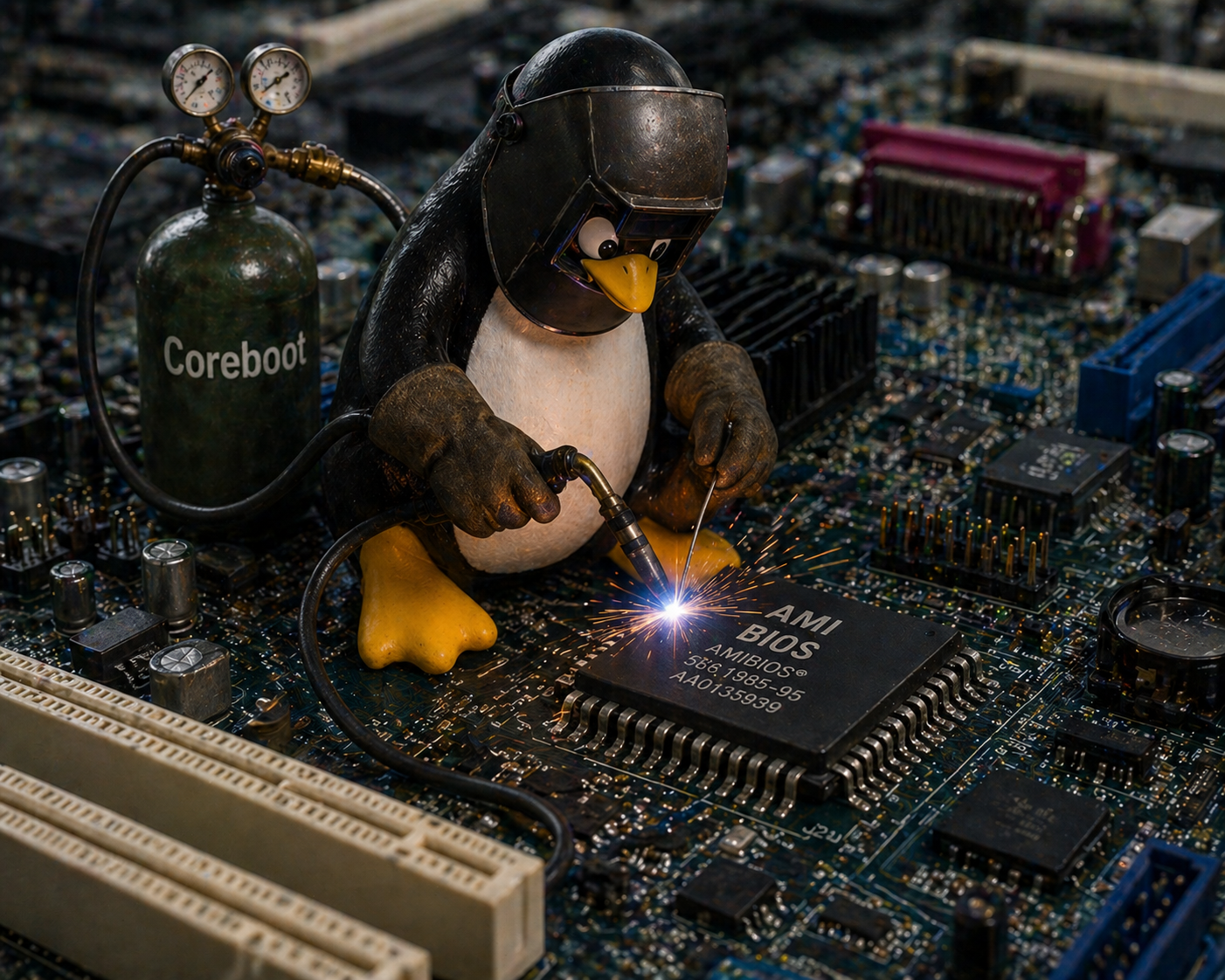
Coreboot is an open-source firmware project that initialises hardware and then hands off to a payload — typically GRUB, SeaBIOS, or TianoCore (an open-source UEFI implementation). It does not include AMT, does not include ME management, and on supported hardware can be combined with
me_cleanerLibreboot is a downstream distribution of Coreboot that takes a harder line on blobs: it targets only hardware where the ME can be stripped to nothing and no proprietary binary is required in the firmware image. The trade-off is a very short list of supported hardware, mostly pre-2009 ThinkPads and a handful of other machines. Libreboot gives the user a genuinely blob-free boot chain; Coreboot gives a practical, modern alternative to proprietary BIOS with varying levels of binary dependency depending on the target hardware.
✓ Flashing coreboot: the general process
On most supported hardware, the process requires a CH341A SPI programmer (~€10), a Pomona SOIC-8 clip, and a Linux machine running
flashromAMD's equivalent is the Platform Security Processor — PSP, sometimes called AMD Secure Technology. It arrived in AMD's APU lineup in 2013 and has been present in all Ryzen-era processors since 2017. Like the IME, it is a dedicated coprocessor running its own firmware independently of the main CPU. Like the IME, it initialises before the host CPU and persists through power states. Like the IME, it has no official user-facing disable mechanism.
The PSP runs on an ARM Cortex-A5 core embedded directly in the CPU die — not in the chipset, as early IME implementations were, but inside the processor package itself. Its firmware is stored in the same SPI flash as the BIOS, in a dedicated region. The PSP handles secure boot, firmware verification, fTPM (a firmware-based Trusted Platform Module), and AMD's equivalent of Intel's hardware DRM infrastructure.
| Feature | Intel IME | AMD PSP | ARM TrustZone |
|---|---|---|---|
| Present since | 2008 (Nehalem) | 2013 (Kabini APU) | 2004 (ARMv6) |
| Coprocessor | Intel Quark x86 (post-Skylake) | ARM Cortex-A5 | Partitioned main CPU |
| Location | PCH (chipset) | CPU die | CPU core (secure world) |
| Own network stack | Yes (AMT) | No | No |
| Runs when "off" | Yes (S5 state) | Partial (boot only) | No |
| Official disable | No | No | Vendor-dependent |
| HAP-equivalent | HAP bit (hidden) | PSP_SOFT_FUSE (limited) | N/A |
| Coreboot support | Yes (partial blob) | Yes (PSP blob required) | Varies |
| Known critical CVEs | SA-00075, SA-00086, SA-00112… | RCE (2017, patched) | TrustZone escapes (several) |
The practical difference between the PSP and IME that most privacy advocates acknowledge: the PSP does not have a network stack. AMT — the most operationally dangerous part of the IME, the component that can accept remote connections to a powered-off machine — has no AMD equivalent. The PSP is a firmware security coprocessor, not an enterprise remote management platform. This does not make it trustworthy by the standards of users who object to opaque firmware running below their operating system, but it does meaningfully reduce the remote attack surface compared to a fully provisioned Intel AMT installation.
Coreboot supports AMD platforms but cannot eliminate the PSP. AMD requires the PSP firmware blob to be present for the platform to boot — there is no
me_cleanerIf you own a computer with an Intel chipset made after 2008, there is a computer inside your computer. It runs proprietary code. It has network access. You cannot turn it off.
The realistic options exist on a spectrum between convenience and auditability. Most users will do nothing — the IME's risks are real but largely theoretical for machines not targeted by sophisticated adversaries, AMT is rarely provisioned on consumer hardware, and the practical attack surface for an un-provisioned IME is smaller than its architectural description implies. For the remainder, the options stack in order of effort and confidence.
The minimum intervention is disabling AMT in the BIOS settings if the option is present, and checking that port 16992 is not exposed on the network. This eliminates the most immediately dangerous attack vector without touching the flash chip. The next step is the HAP bit, which requires hardware access to the SPI flash but delivers ME dormancy to a standard Intel considers sufficient for classified government systems. Beyond that lies
me_cleanerNone of these options returns the user to a state of certainty. The IME is, by design, a black box — and the tools that partially open it were built by researchers working without Intel's cooperation, from a firmware image that Intel actively obfuscates. What the community has learned about the IME it learned by reverse engineering a system designed not to be reversed. The HAP bit existed for years before anyone outside Intel knew it was there. The vulnerability that let Positive Technologies run unsigned code in the ME was found fourteen years after the subsystem shipped. Trust, in this context, is not a configuration option.